Two guides in one place. First, how to use the LoloBuy Spreadsheet to find 20,000+ products with QC photos and wholesale prices. Then, how to use LoloBuy — the shopping agent that actually buys and ships your order.
Discover → order → inspect → ship → reward. Nine steps, each paired with a picture.
Start on the Spreadsheet. Type what you want into the search bar, or browse by category — every listing already shows QC photos and a wholesale price, so there are no surprises.

Click a product to open its detail page. Here you’ll see the full set of QC photo batches, the wholesale price, available colors and sizes, and which marketplace it comes from.

Decide which agent should handle the purchase. Compare their service, fees and shipping routes, then pick the one you want to delegate to.
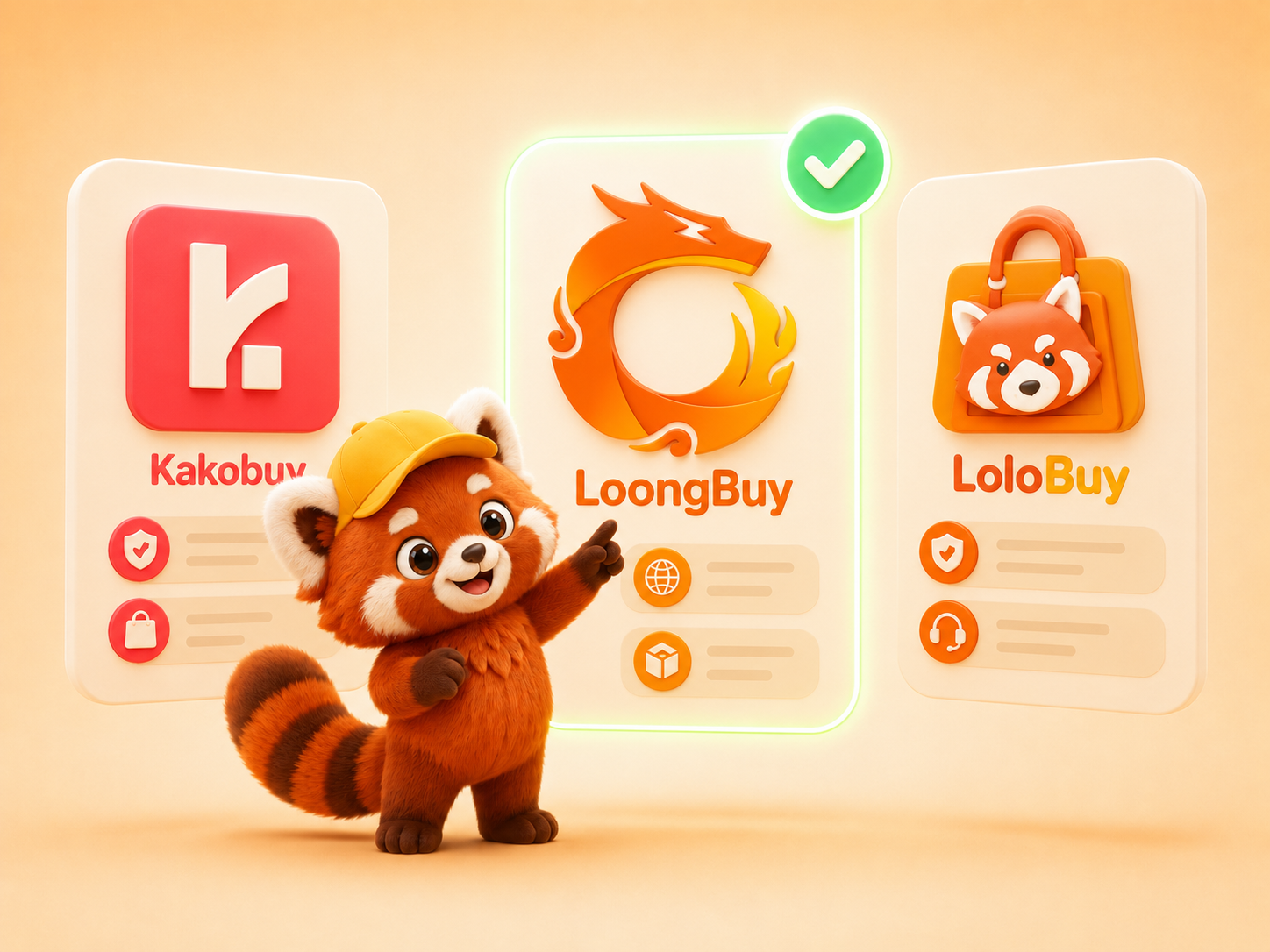
Head into the agent, confirm the color, size and quantity, and click to buy. The agent then purchases the item from the seller on your behalf and adds it to your account.
The seller ships your item domestically to the agent’s warehouse in China. You can follow its progress from your agent account while it’s on the way.

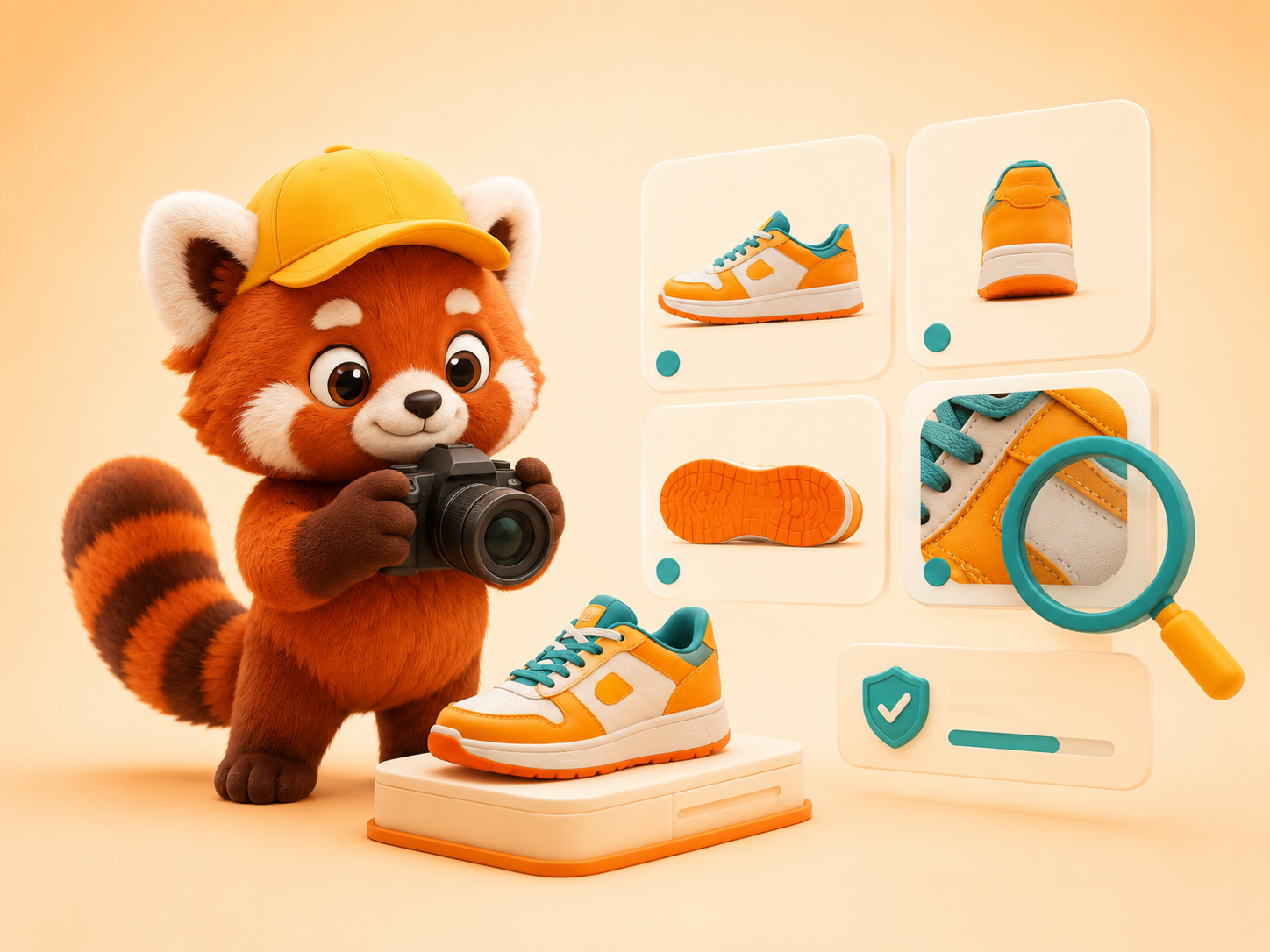
When the item arrives, the agent quality-checks it and uploads fresh QC photos. Review them carefully — if anything’s wrong, raise it before the parcel ships.
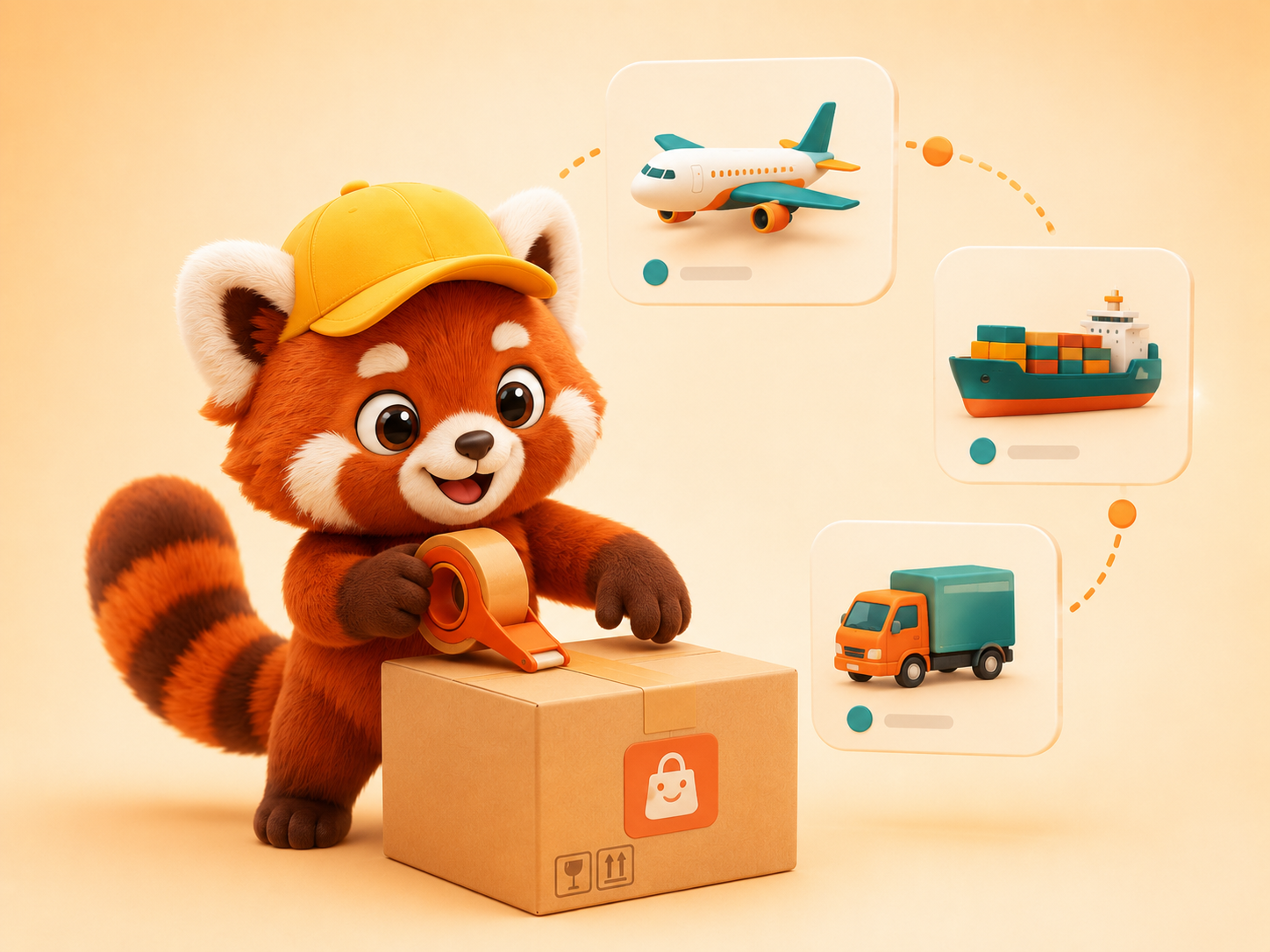
Happy with it? Consolidate your items into one parcel, submit for delivery and pick the international shipping line that best fits your budget and speed.
Track the parcel all the way to your door, then confirm delivery once it lands. If anything’s off, you can open an after-sales request on that parcel.

Last step, and the fun one: share your shopping experience and haul photos to unlock extra surprises and rewards — then put them toward your next order.

LoloBuy is the agent that buys, stores and forwards your order. Here’s what happens behind the scenes, in nine stages.
Find the product on Taobao, Tmall, JD, 1688, Weidian or Yupoo and paste its link into LoloBuy — or type the product name and pick from the matches. A friend’s link works too.
LoloBuy reads most listings automatically, so you can pick color, size and quantity, then “Add to Cart” or “Buy Now.” If a manual agent form appears, fill in the options yourself.
Pay the product price plus Chinese local delivery to the warehouse. Multiple currencies are supported, and you can add notes or value-added services before review.
An agent contacts the seller and places the real order. If anything needs clarifying, they reach you via the order enquiry, email or message.

When your item reaches the warehouse it’s quality-checked and photographed so you can review it from “My Warehouse.” If there’s a problem, LoloBuy contacts you. Note that 1688 orders follow a different QC standard.
In “My Warehouse,” select items and submit for delivery. Fill in the address and pick a recommended shipping type — some items are route-restricted. Add reinforcement, insurance or repackaging in the remarks.
The deposit is estimated from weight, method and destination. The final fee is settled against the carrier’s verified size and weight — any difference is refunded to your LoloBuy balance.
Your items are consolidated, reinforced, weighed and dispatched on your chosen route — Matson, DHL, EMS, Aramex, 4PX, SF Express, UPS and more.
Track progress under “Parcels,” and confirm delivery when it lands. Apply for after-sales if needed. Leaving a review earns credit toward future shipping.
Your QC photos just landed — now what? Tick off each thing worth a close look. The bar fills as you go, so you can tell when you’ve given the batch a proper once-over before you approve or ask for a fix.
Tick each item as you compare it against your QC photos.
Honest note: photos can’t catch everything — weight, smell and how it feels in hand won’t show up. If something looks off, or you just aren’t sure, ask LoloBuy for more angles or a closer shot before you approve.
The full cost stack of an order and honest ways to spend less.
A framework for picking the right agent, and where LoloBuy fits.
Eight slips first-timers make with agents, each with a fix.
Quick answers on payments, shipping, storage and safety.
Find a product on the spreadsheet, let your agent handle the buying and shipping, then share your haul for rewards.
 Spreadsheet
